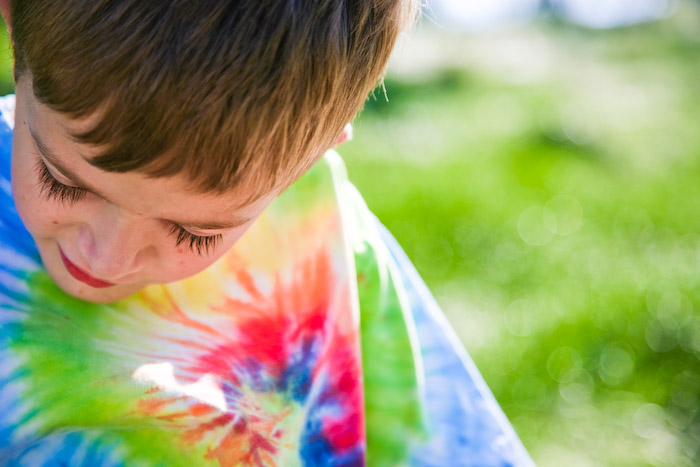
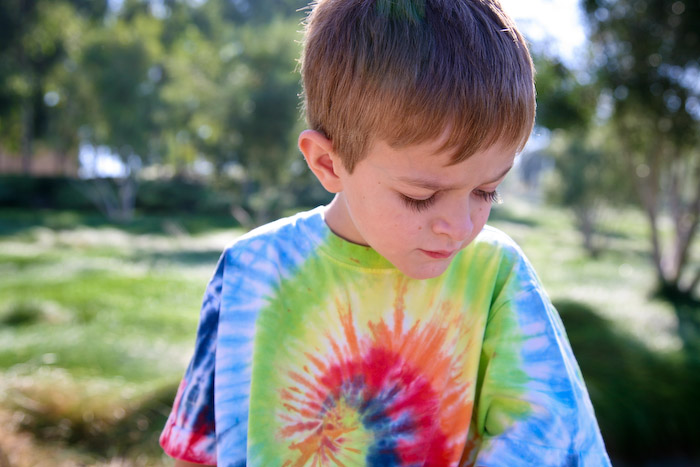
I'm pretty much a Photoshop ignoramus. I'm grateful for kind people like
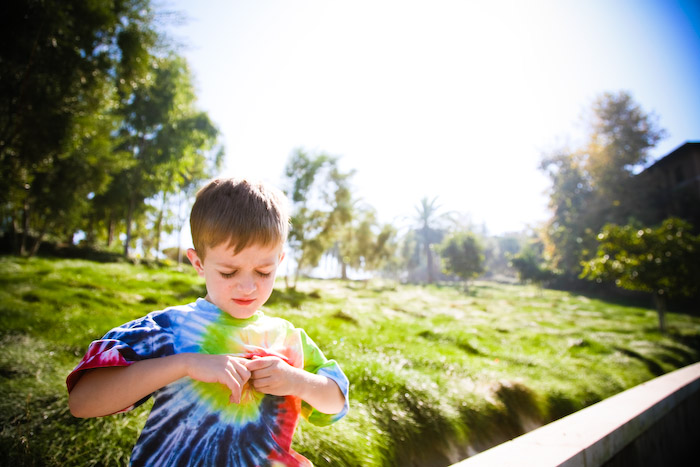
Amy Rose, who generously share their knowledge with newbies like me, taking time to explain the intricacies of PS in much detail. I really like the results I've been getting from following her "formula". Here's a photo I edited using her technique. The first photo is my SOOC (straight out of the camera) image. I should tell you that it looks "flatter" than it otherwise would, due to my in-camera settings. I deliberately have my camera set at no/low contrast, as it is possible to
ADD contrast, but not possible to
SUBTRACT contrast. So I choose to err on the side of too little contrast. But that does mean that I'm loathe to show my "naked", unedited images. So anyway, the first image is SOOC. The second image is my "Amy-Rose" edited image.
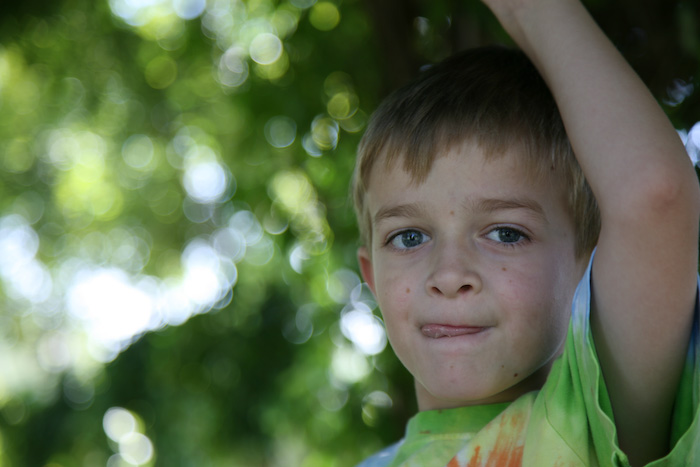
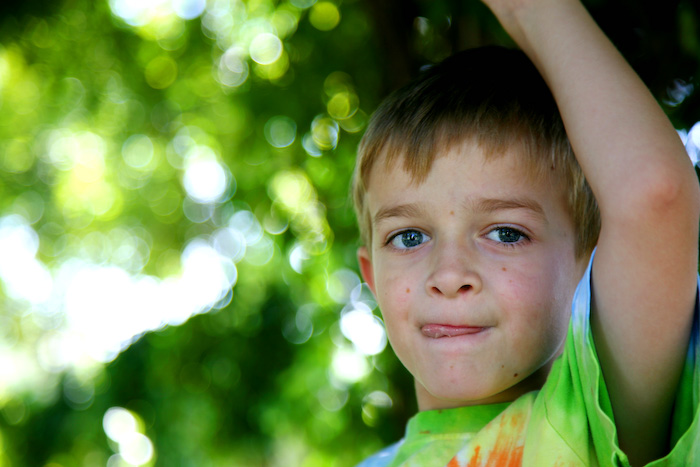
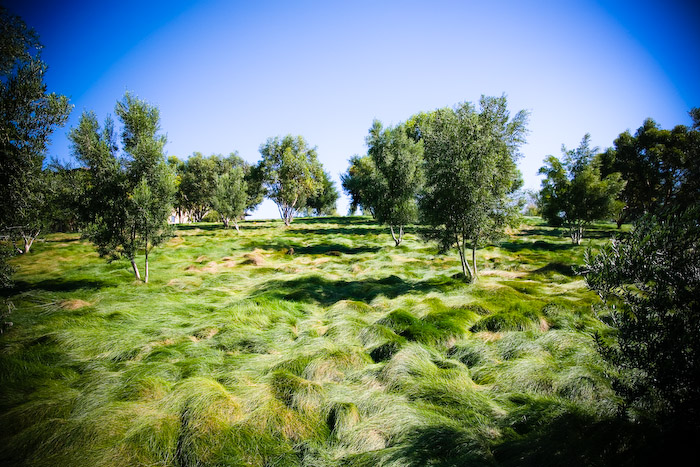
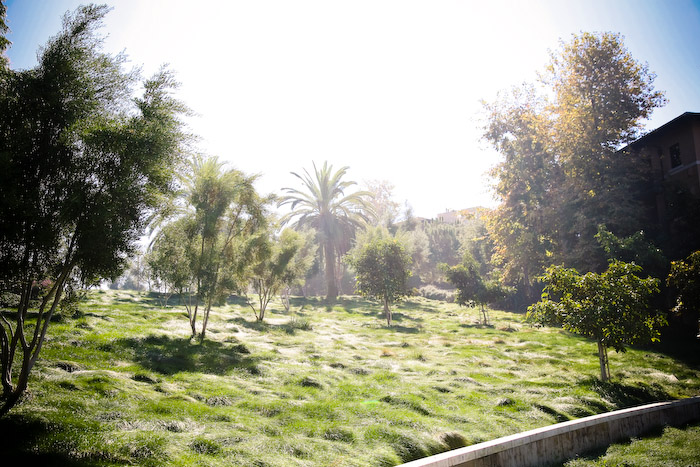
Here's another Before & After example:

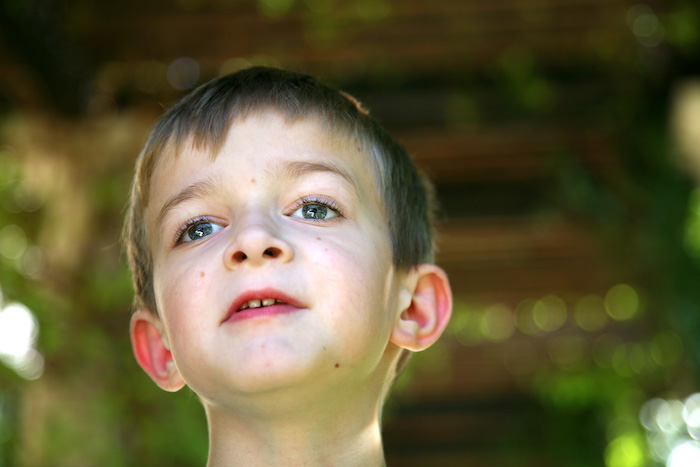
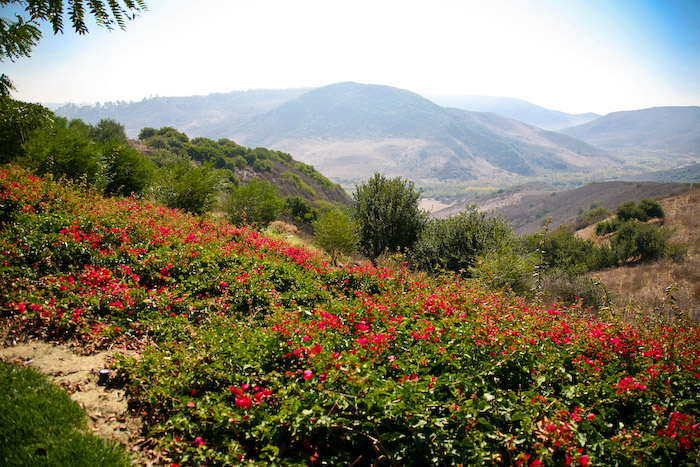
You'll have to excuse my poor Little Dude's CLEAR exasperation with the whole being photographed thing. I had bribed him with candy corns to stand in a bunch of beautiful local settings that I was scoping out for possible portrait locations. The settings look AMAZING. But my son? He was not so thrilled as I was. But he surely enjoyed those candies at the end of our excursion.
ps. I'm pretty sure this technique works with PS Elements also.